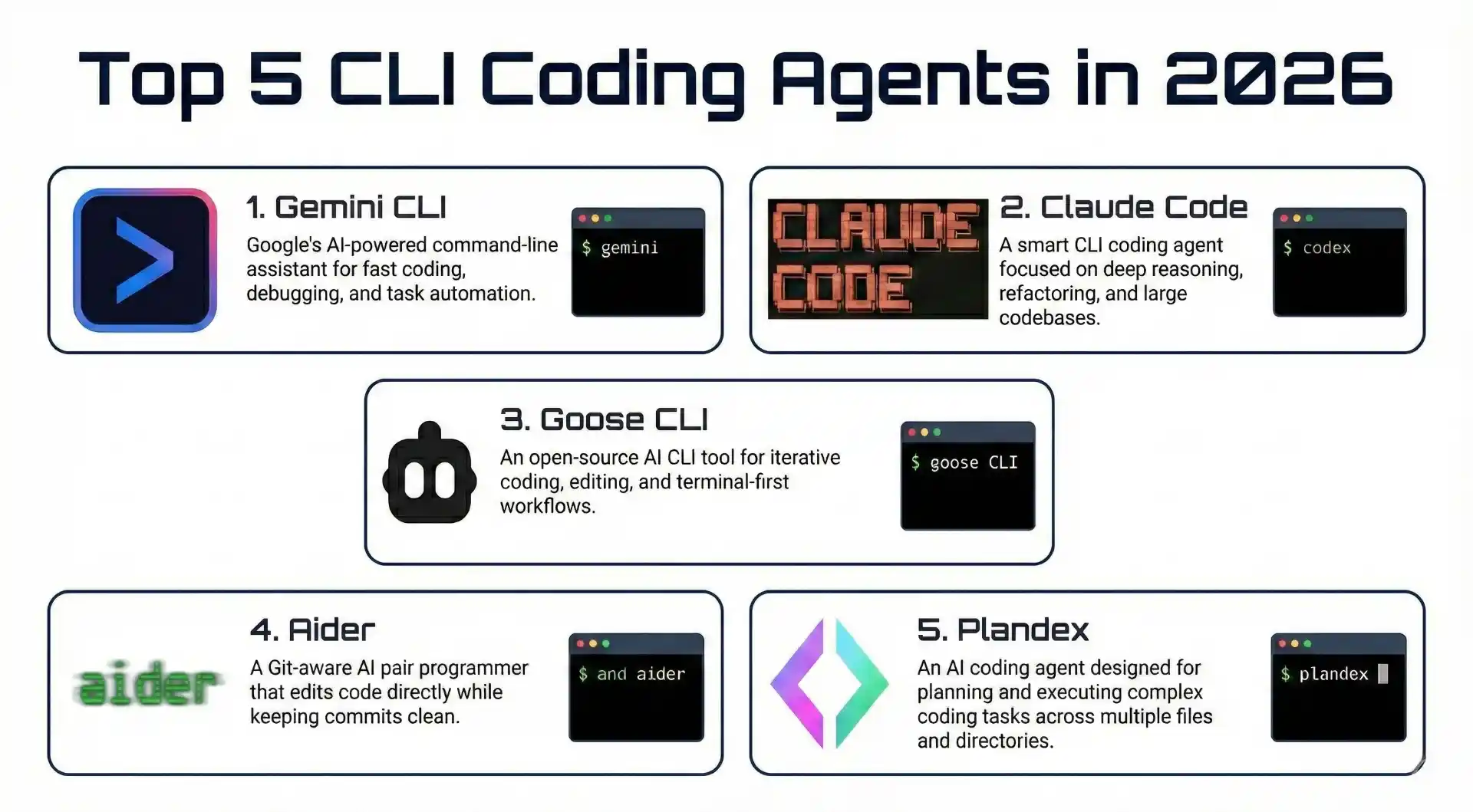
The command line has always been the natural habitat for developers who value speed, efficiency, and control. In 2026, CLI-based AI coding agents have evolved from simple code completion tools into sophisticated autonomous assistants that can plan, write, debug, and deploy entire features directly from your terminal.
Unlike IDE-based extensions that require switching between windows and interfaces, CLI coding agents integrate seamlessly into terminal-first workflows. They understand your entire codebase, execute commands, manage Git operations, and coordinate changes across multiple files all while you stay in the environment you know best.
Whether you’re a senior engineer who lives in the terminal, a DevOps professional managing infrastructure, or a developer who prefers keyboard-driven workflows, CLI coding agents offer a powerful alternative to graphical AI assistants. In this guide, we’ll explore the top CLI coding agents in 2026, helping you find the perfect terminal-based AI companion for your development workflow.
Comparison Table for Top CLI Coding Agents
| CLI Agent | Best For | Pricing | Key Strength |
|---|
| Claude Code | Deep reasoning & complex codebases | Pay per use | Advanced reasoning & large context |
| Codex CLI | OpenAI integration & code generation | Free (open-source) | Direct GPT access & lightweight |
| Gemini CLI | Fast UI generation & Google AI | Free tier available | Multimodal & ReAct loop |
| OpenCode | Multi-model flexibility & privacy | Free (open-source) | 75+ LLM providers & LSP integration |
| Aider | Git-native workflows & refactoring | Free (open-source) | Git integration & multi-file editing |
Summary
Why Use CLI Coding Agents?
- Terminal-native workflow without leaving your command-line environment
- Direct Git integration for seamless version control
- Autonomous multi-file editing and complex refactoring
- Privacy-focused with support for local AI models
- Faster and more efficient for keyboard-driven developers
Top CLI Coding Agents:
- Claude Code: Advanced reasoning and large context windows for complex projects
- Codex CLI: OpenAI’s lightweight terminal agent with direct GPT access
- Gemini CLI: Fast, multimodal assistance with Google’s AI models
- OpenCode: Provider-agnostic with 75+ LLM support and LSP integration
- Aider: Git-native workflows with automatic commits and multi-file coordination
Honorable Mentions: Goose (Block’s open-source agent), Qwen Code (Alibaba’s coding model), Amazon Q Developer CLI (AWS integration), Crush CLI (multi-model with beautiful TUI), and Plandex (2M token context for large projects)
Key Features to Look For: Multi-model support, Git integration, context window size, LSP integration, local model support, and autonomous capabilities
Why Use CLI Coding Agents and How to Choose the Right One
CLI coding agents represent a paradigm shift from simple code completion to fully agentic workflows. These tools don’t just suggest code—they plan, execute, debug, and deploy entire features while you maintain control from your terminal. For developers who prefer keyboard-driven workflows, CLI agents offer unmatched speed and efficiency.
The key advantages of CLI coding agents include terminal-native integration (no context switching between IDE and terminal), Git-first workflows (automatic commits with descriptive messages), autonomous capabilities (multi-file editing and complex refactoring), privacy control (support for local models via Ollama), and flexibility (switch between multiple AI models mid-session).
When choosing a CLI coding agent, consider your workflow needs. For Git-heavy workflows with frequent refactoring, Aider excels with its automatic commit messages and multi-file coordination. If you need maximum model flexibility and privacy, OpenCode supports 75+ LLM providers including local models. For complex reasoning and large codebases, Claude Code offers superior understanding with massive context windows. Evaluate based on your project size, privacy requirements, and preferred AI models.
Top CLI Coding Agents in 2026
Let’s explore the best command-line AI coding agents available in 2026, examining their strengths, features, and ideal use cases.
1. Claude Code
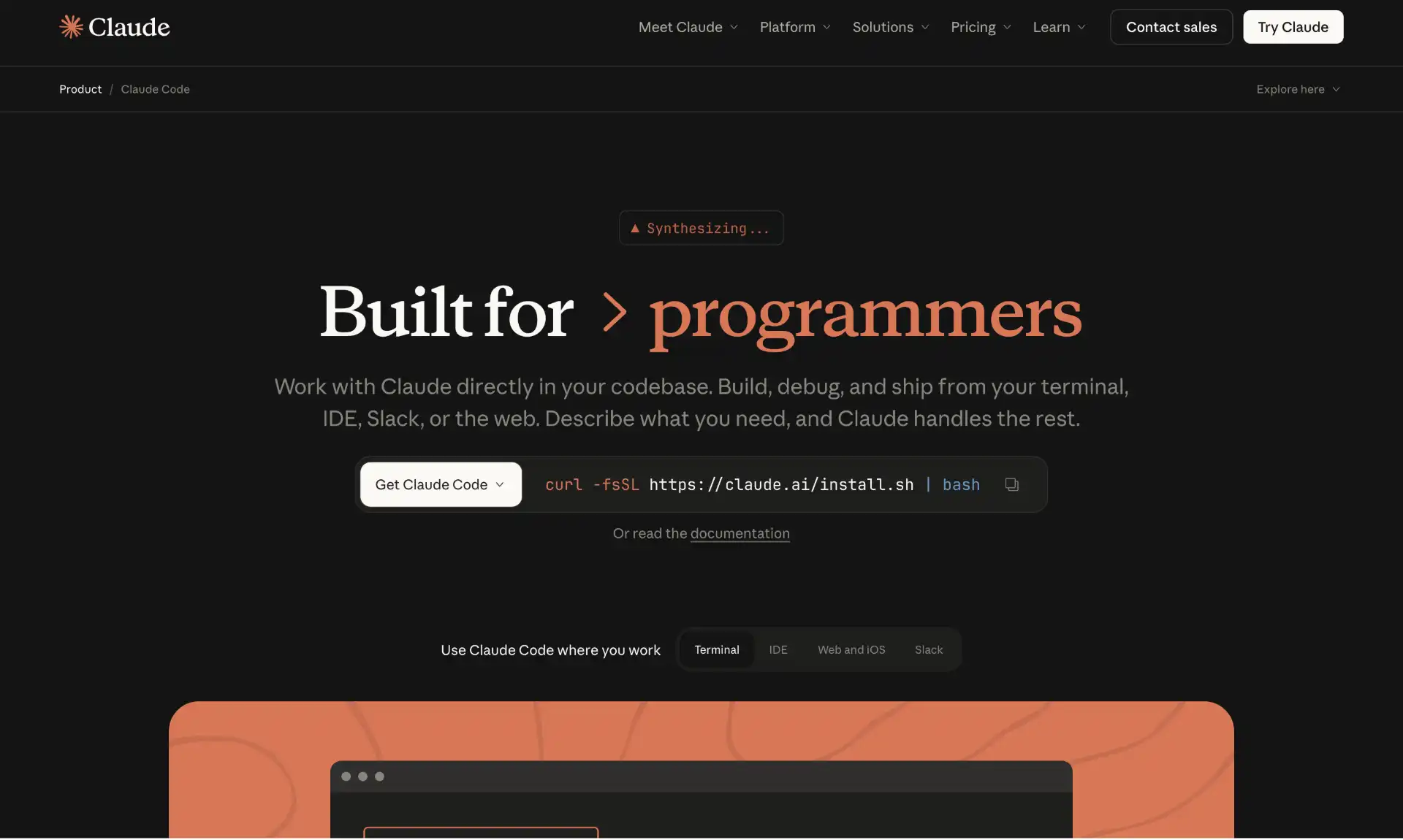
Claude Code brings Anthropic’s powerful Claude AI model directly to your terminal, offering sophisticated code analysis, generation, and debugging capabilities through a command-line interface. Built on Claude’s advanced reasoning capabilities, this tool excels at understanding complex codebases and providing detailed explanations and solutions.
What sets Claude Code apart is its exceptional reasoning ability and massive context window. It can analyze substantial portions of your codebase in a single conversation, making it ideal for architectural discussions, complex debugging sessions, and thorough code reviews. The tool’s ability to understand nuanced requirements and provide well-reasoned solutions makes it particularly valuable for senior developers and architects.
Claude Code operates as a terminal-first agent that can autonomously navigate codebases, run shell commands, edit files, and commit changes directly from the CLI. It supports plugins for custom functionalities like slash commands and specialized AI agents, making it highly adaptable to different workflows.
Key Features of Claude Code:
- Advanced reasoning - Exceptional at explaining complex code and architectural decisions
- Large context window - Analyzes substantial codebases in single conversations
- Multi-step task execution - Autonomously plans and implements features across multiple files
- Terminal-native operation - Runs shell commands, edits files, and manages Git operations
- Plugin system - Supports custom slash commands, specialized agents, and hooks
- Multi-language expertise - Strong performance across various programming languages
- Code review assistance - Provides detailed feedback on code quality and best practices
- Documentation generation - Creates comprehensive documentation from code
Claude Code Pricing:
Claude Code operates on Anthropic’s API pricing model. You pay per token usage based on your chosen Claude model (Claude 4.5 Sonnet, Claude 4.5 Opus, etc.).
2. Codex CLI
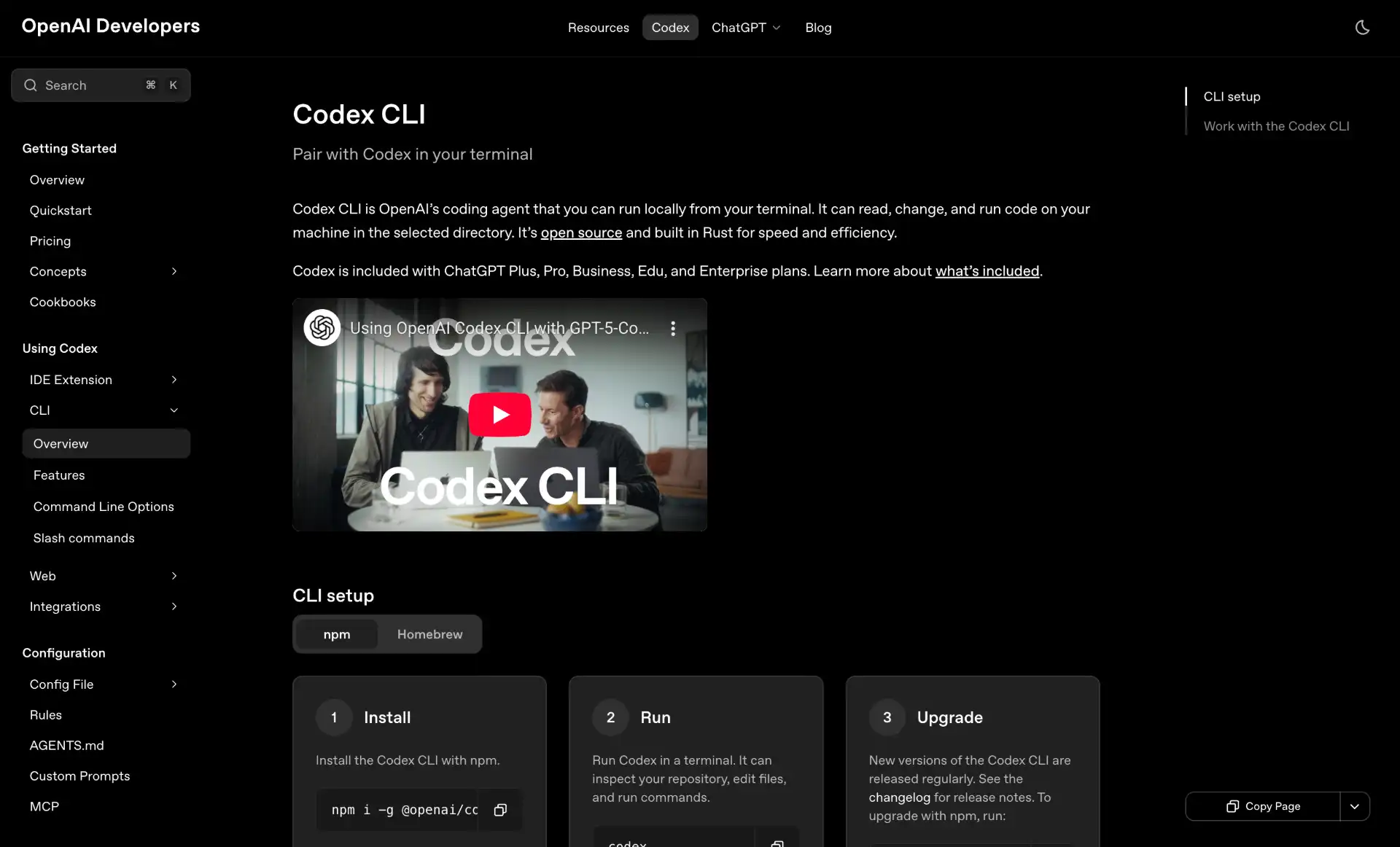
Codex CLI is OpenAI’s official command-line interface for accessing their powerful AI models directly from the terminal. As an open-source, lightweight coding agent, it runs entirely in your terminal and connects to OpenAI’s cloud-based models like o4-mini and o3, providing developers with direct access to cutting-edge code generation capabilities.
Codex CLI stands out for its simplicity and focus on core development workflows. Unlike more complex agents, it offers a streamlined experience that prioritizes speed and reliability. The tool can read, modify, and create files in your codebase, run shell commands in a sandboxed environment, and reason through multi-step problems autonomously all while maintaining a clean, intuitive interface.
What makes Codex CLI particularly appealing is its seamless integration with the OpenAI ecosystem. Developers already familiar with GPT models will find the transition natural, and the tool benefits from OpenAI’s continuous model improvements. It’s especially effective for rapid prototyping, code refactoring, and debugging sessions where quick iterations are essential.
Key Features of Codex CLI:
- Direct OpenAI access - Native integration with GPT-5.2, GPT-5, and future models
- Lightweight design - Minimal footprint with fast startup and response times
- File operations - Read, write, and modify files directly from the terminal
- Sandboxed execution - Run shell commands safely in isolated environments
- Multi-step reasoning - Autonomously plans and executes complex coding tasks
- Open-source - Fully transparent codebase with community contributions
- Natural language interface - Describe tasks in plain English
- Context-aware - Understands project structure and coding conventions
- Multi-language support - Works across various programming languages
- Easy installation - Simple npm install with minimal configuration
Codex CLI Pricing:
Codex CLI is open-source and free to use. You pay only for OpenAI API usage based on token consumption for your chosen model.
3. Gemini CLI
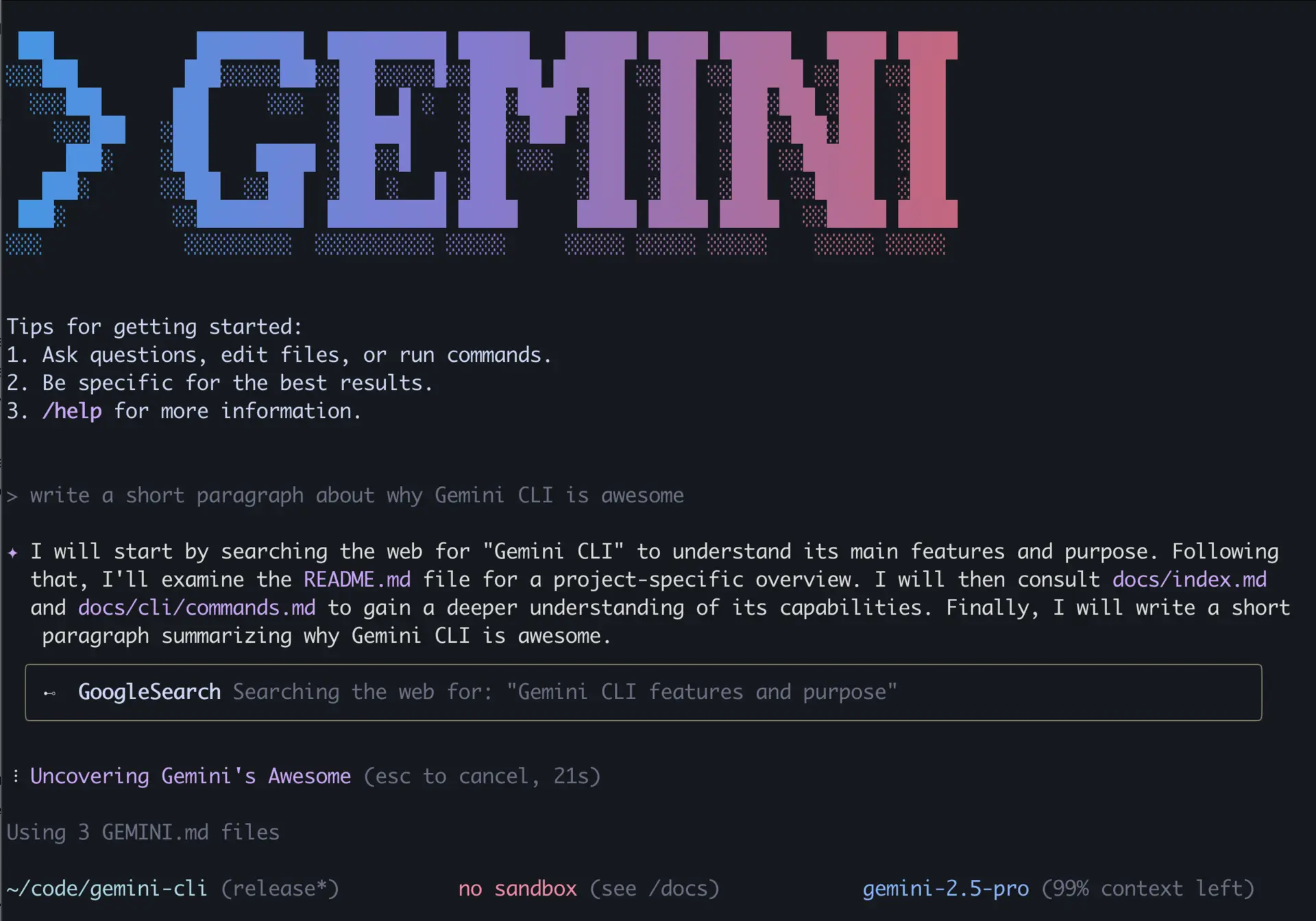
Gemini CLI is Google’s open-source command-line interface for accessing Gemini AI models directly from the terminal. It provides powerful AI assistance for coding tasks, code review, and development workflows without leaving the command line.
Gemini CLI excels at understanding complex code patterns and providing intelligent suggestions for optimization, debugging, and feature implementation. It’s particularly valuable for developers who prefer terminal-based workflows and need quick access to Google’s advanced AI capabilities. The tool is known for being fast, clean, and especially effective for frontend work and rapid UI generation.
The CLI uses a “reason and act” (ReAct) loop with built-in tools like grep, terminal commands, file read/write operations, and web search for handling complex tasks. It can manage large codebases, providing context-aware suggestions across hundreds of files, making it suitable for substantial projects.
Key Features of Gemini CLI:
- Google AI integration - Direct access to Gemini’s advanced language models
- Terminal-native design - Built for command-line workflows
- ReAct loop - Reason and act cycle with built-in tools (grep, terminal, file operations, web search)
- Multi-language support - Supports various programming languages and frameworks
- Large codebase management - Context-aware suggestions across hundreds of files
- Multimodal understanding - Processes text, code, and visual context
- Code analysis - Detailed code review and optimization suggestions
- Fast responses - Optimized for quick AI assistance in development workflows
- Open-source - Community-driven development with transparency
- Generous free tier - Accessible pricing for individual developers
Gemini CLI Pricing:
Gemini CLI is free to use with Google’s generous free tier for Gemini models. Paid usage follows Google’s AI pricing based on token consumption.
4. OpenCode
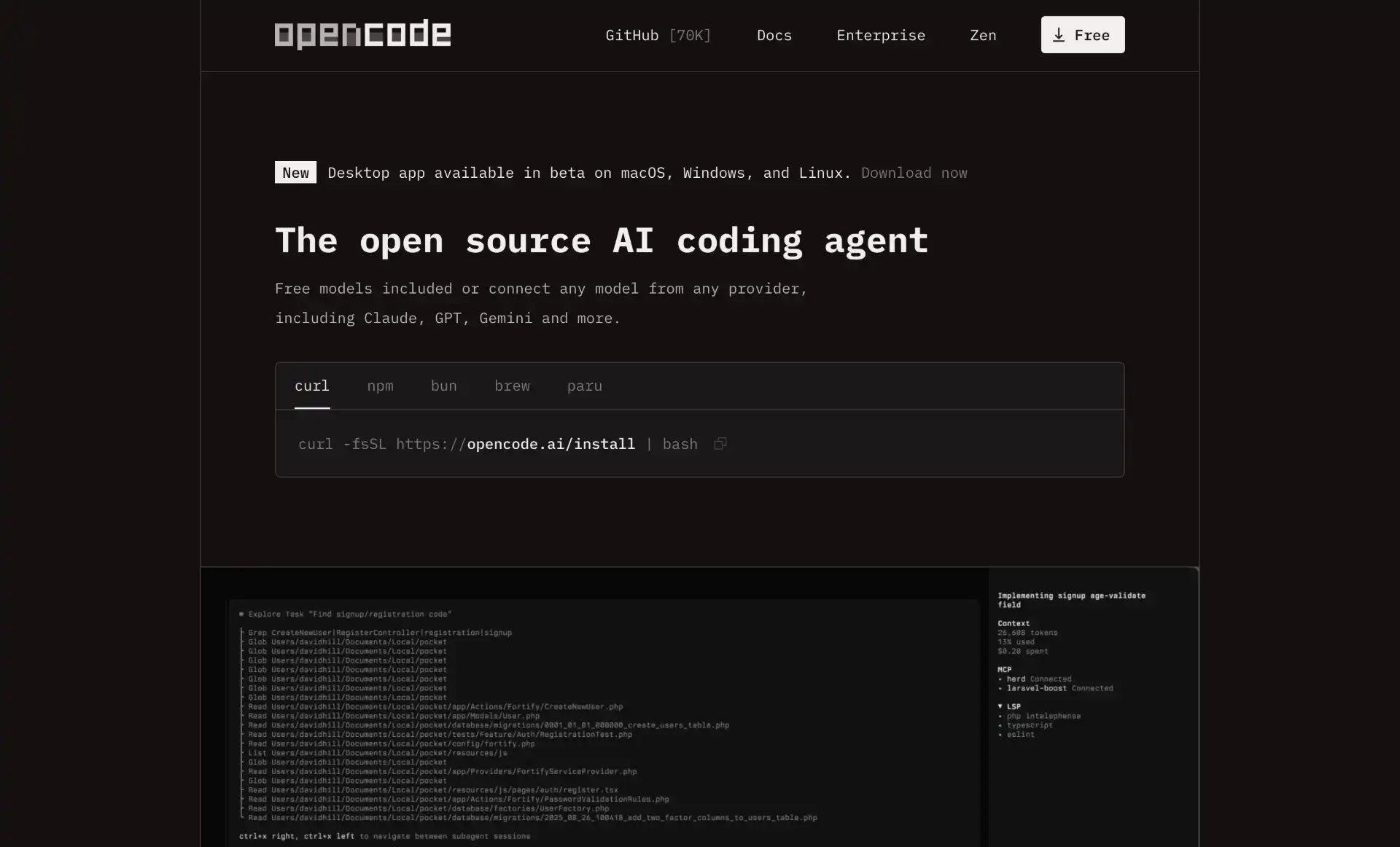
OpenCode is a powerful, open-source AI coding agent built specifically for the terminal, offering developers maximum flexibility and privacy through its provider-agnostic architecture. What makes OpenCode truly unique is its support for over 75 different LLM providers, including Claude, GPT-5, Gemini, and local models via Ollama.
OpenCode’s key advantage is its freedom from vendor lock-in. You can switch between different AI models mid-session while maintaining context, allowing you to use the best model for each specific task. This flexibility extends to privacy as well—run everything locally with Ollama models or use cloud providers as needed.
The tool features a responsive, native, and themeable terminal UI built with Bubble Tea, providing a smooth and interactive experience. It automatically integrates with Language Server Protocols (LSPs) for code intelligence features like syntax highlighting, autocompletion, and error detection across complex projects.
Key Features of OpenCode:
- 75+ LLM provider support - OpenAI, Anthropic, Google, AWS, Azure, local models via Ollama
- LSP integration - Automatic code intelligence with syntax highlighting and error detection
- Session management - Save and manage multiple conversations with parallel agent execution
- Dual-agent system - “Build” agent for development and “plan” agent for safe analysis
- Terminal UI - Responsive, themeable interface built with Bubble Tea
- Tool integration - Execute commands, search files with MGrep, modify code directly
- Persistent storage - SQLite database for conversations and sessions
- File change tracking - Visualize changes throughout sessions
- Custom commands - Named arguments for powerful custom workflows
- OpenCode SDK - Type-safe JavaScript/TypeScript client for programmatic control
- Privacy-focused - No storage of user code or context data
- Non-interactive mode - Scripting and automation support
OpenCode Pricing:
OpenCode is completely free and open-source. You only pay for the AI model usage based on your chosen provider.
5. Aider
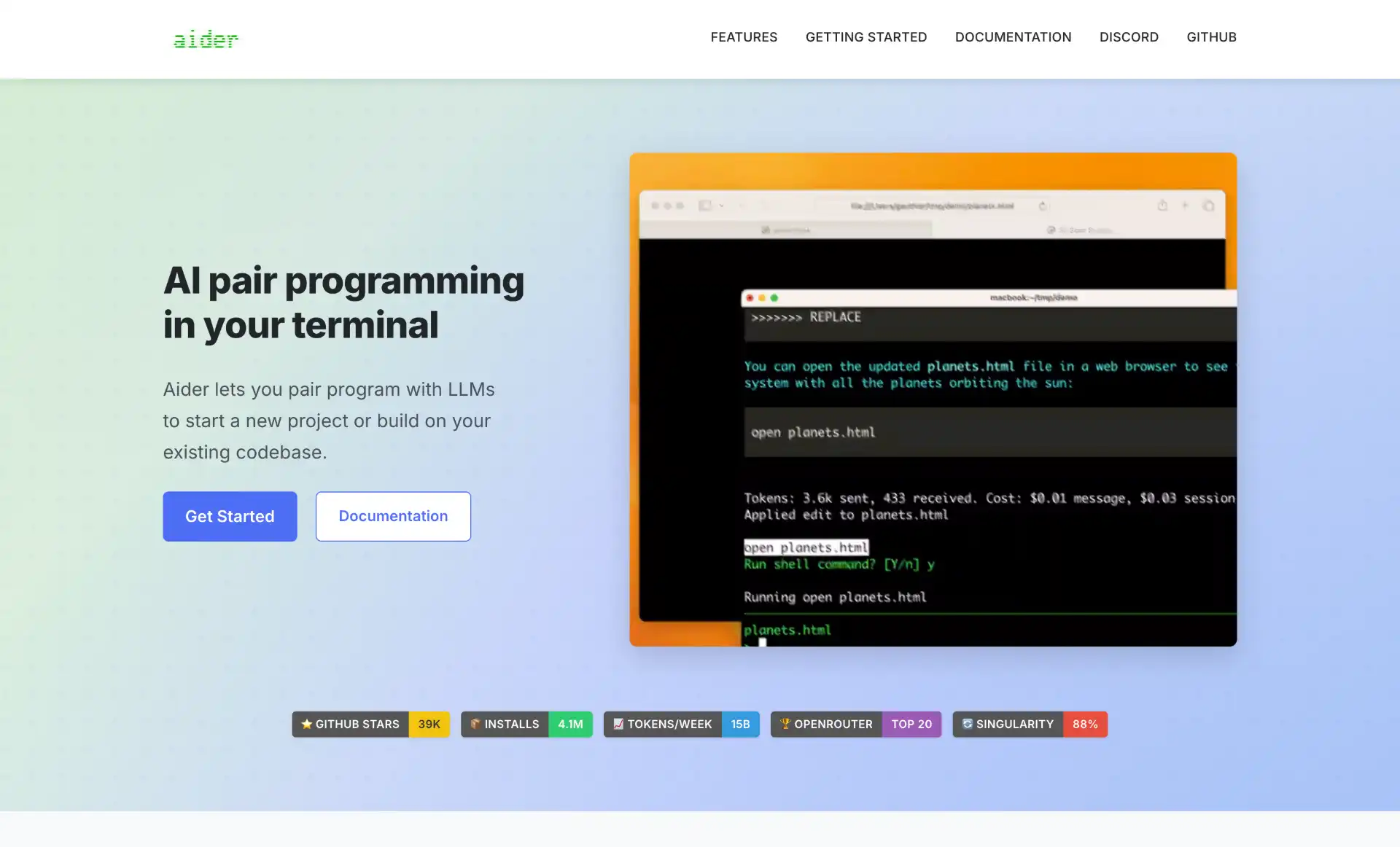
Aider is designed specifically for AI pair programming in your terminal, with a strong focus on Git-native workflows. It connects to various AI models and can make coordinated changes across multiple files in your repository, making it perfect for complex refactoring tasks and feature implementations.
Aider’s standout feature is its deep Git integration. The tool automatically commits changes with descriptive messages, offers built-in commands for reviewing changes, and manages everything within the Git system. This makes it particularly valuable for developers who work heavily with version control and need AI assistance that respects their Git workflow.
The tool builds a comprehensive map of your entire codebase, enabling it to understand and effectively modify large projects. It can coordinate code changes across multiple files, applying them within a single changeset while maintaining code quality and consistency. Unlike traditional coding assistants, Aider operates autonomously to complete entire features or refactoring tasks.
Key Features of Aider:
- Git-native workflow - Automatic commits with descriptive messages and built-in change review
- Multi-file editing - Coordinates changes across multiple files intelligently
- LLM agnostic - Supports GPT-5, Claude-4.5 Sonnet, DeepSeek V3, and local models
- Comprehensive codebase understanding - Maps entire projects for effective modifications
- Automated linting and testing - Runs tests after changes and fixes identified issues
- Voice-to-code functionality - Verbal requests for features, tests, or bug fixes
- Visual context support - Add images and web pages for additional AI context
- IDE integration - Works from within IDEs via embedded comments
- Cost tracking - Visibility into session costs for token-based API usage
- Context management - Save and load context files across sessions
Aider Pricing:
Aider is open-source and free to use. You only pay for the underlying AI model usage (OpenAI, Anthropic, etc.) based on your chosen provider’s pricing.
Honorable Mentions: Other CLI Coding Agents Worth Considering
While the five tools above represent the top tier of CLI coding agents, several other tools deserve recognition for their unique features and capabilities:
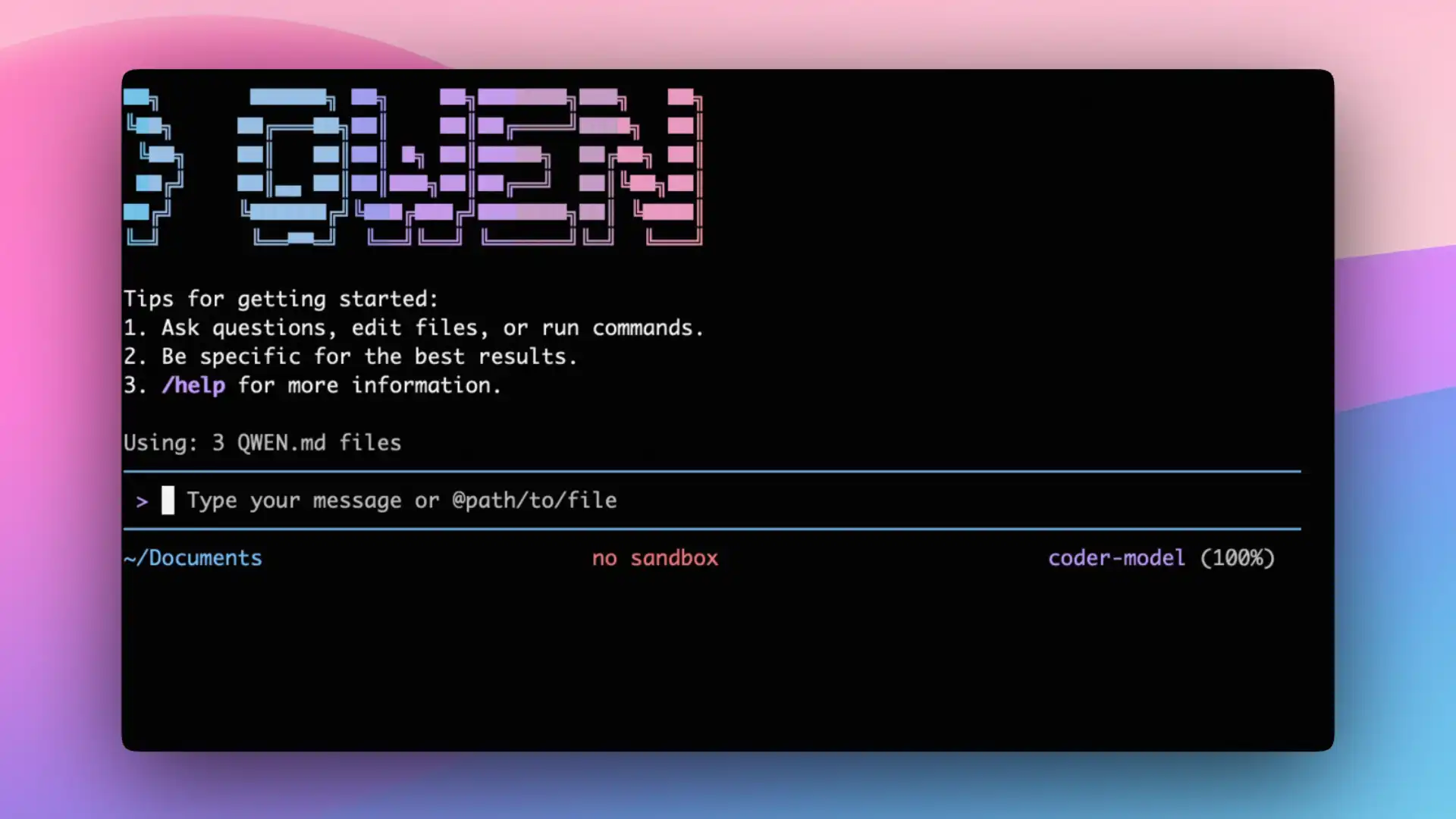
Goose - Open-source AI coding agent developed by Block (formerly Square) that focuses on terminal-based workflows. Runs locally for maximum privacy and is highly extensible with support for various LLMs and APIs. Excellent for DevOps tasks, script generation, and system administration. Block has co-designed the Model Context Protocol (MCP) with Anthropic, which Goose leverages for system integration.
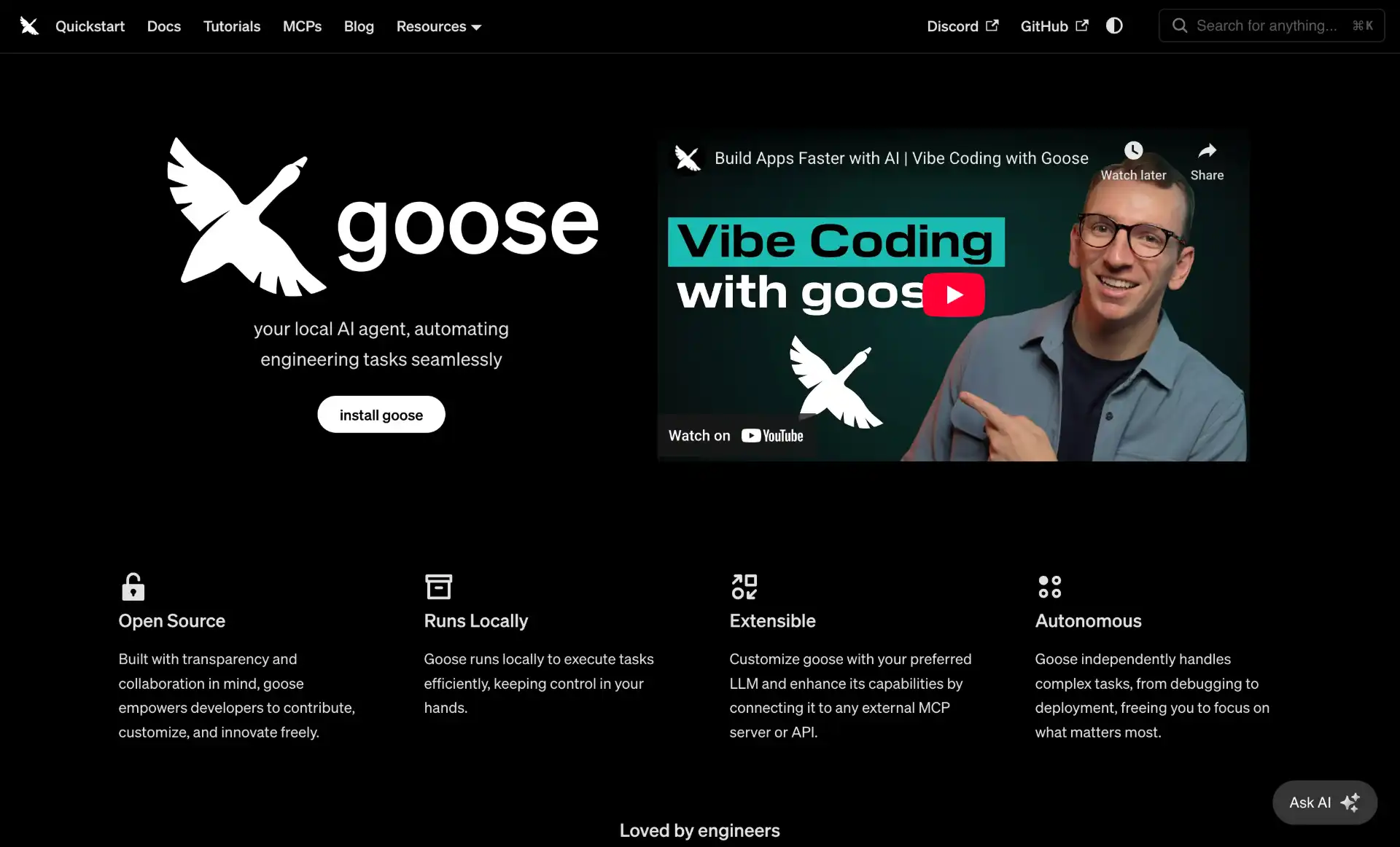
Qwen Code - Advanced command-line AI coding agent adapted from Gemini CLI and optimized for Qwen3-Coder models by Alibaba. Built on a 480-billion parameter architecture with Mixture-of-Experts design, representing one of the most powerful open-source coding models available. Completely free under Apache 2.0 license with excellent multi-language performance and agentic capabilities.
Amazon Q Developer CLI - AWS’s AI-powered coding assistant designed specifically for command-line workflows. Provides intelligent suggestions for AWS CLI commands, helps with infrastructure as code, and offers guidance on AWS best practices. Particularly valuable for DevOps engineers and developers working heavily with AWS services, with specialized agents for development, documentation, and code review.
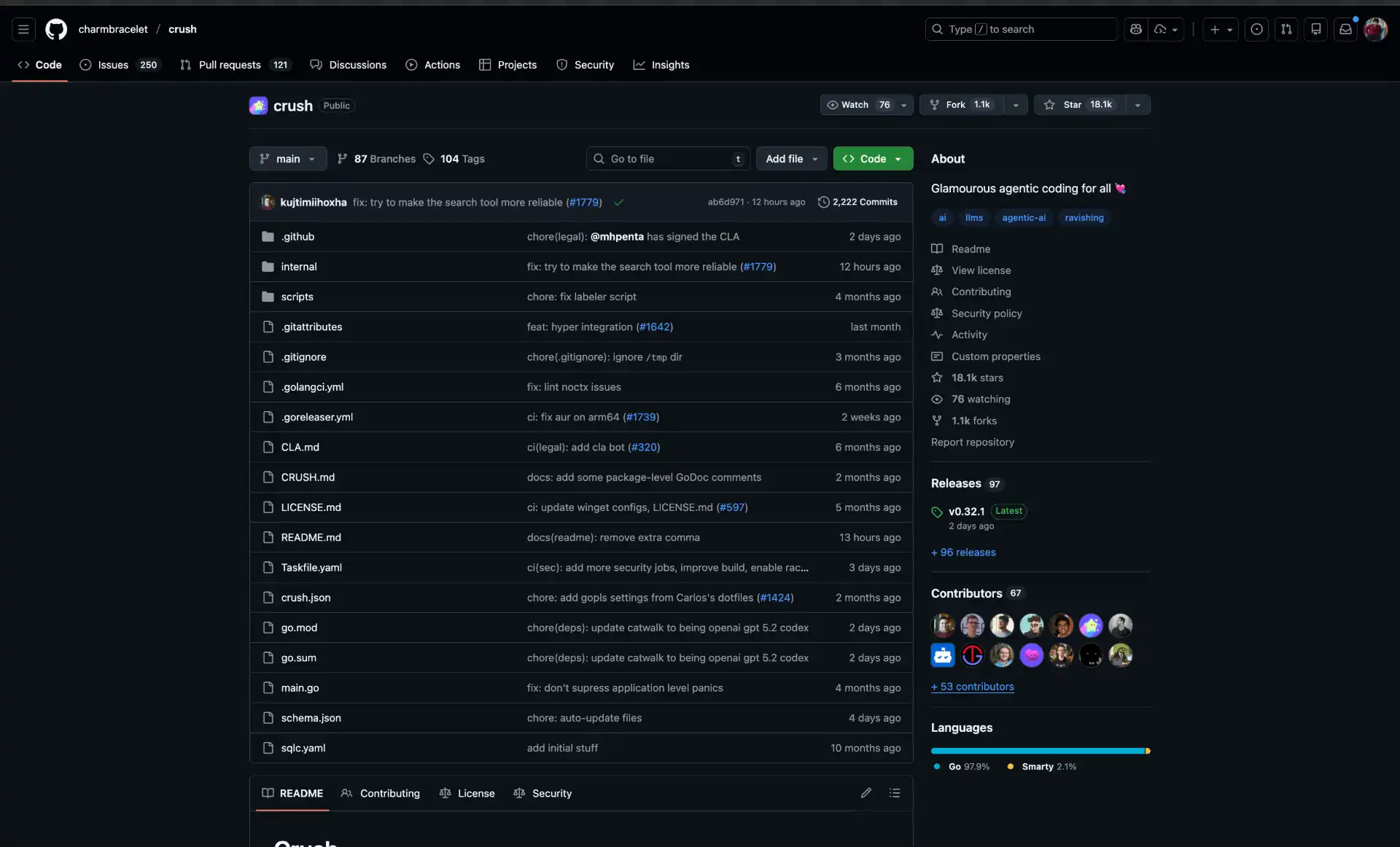
Crush CLI - Advanced open-source AI coding agent with a beautiful terminal UI, built with Go for exceptional speed and responsiveness. Supports multi-model switching between GPT-5, Claude-4.5-Sonnet, Qwen Coder, CodeLlama, and local models via Ollama, often mid-session while maintaining context. Features LSP-enhanced code intelligence and session-based workflows for managing multiple concurrent projects. Originally developed as “Open Code” by Kujtim Hoxha, now maintained by Charm with focus on intuitive TUI design.
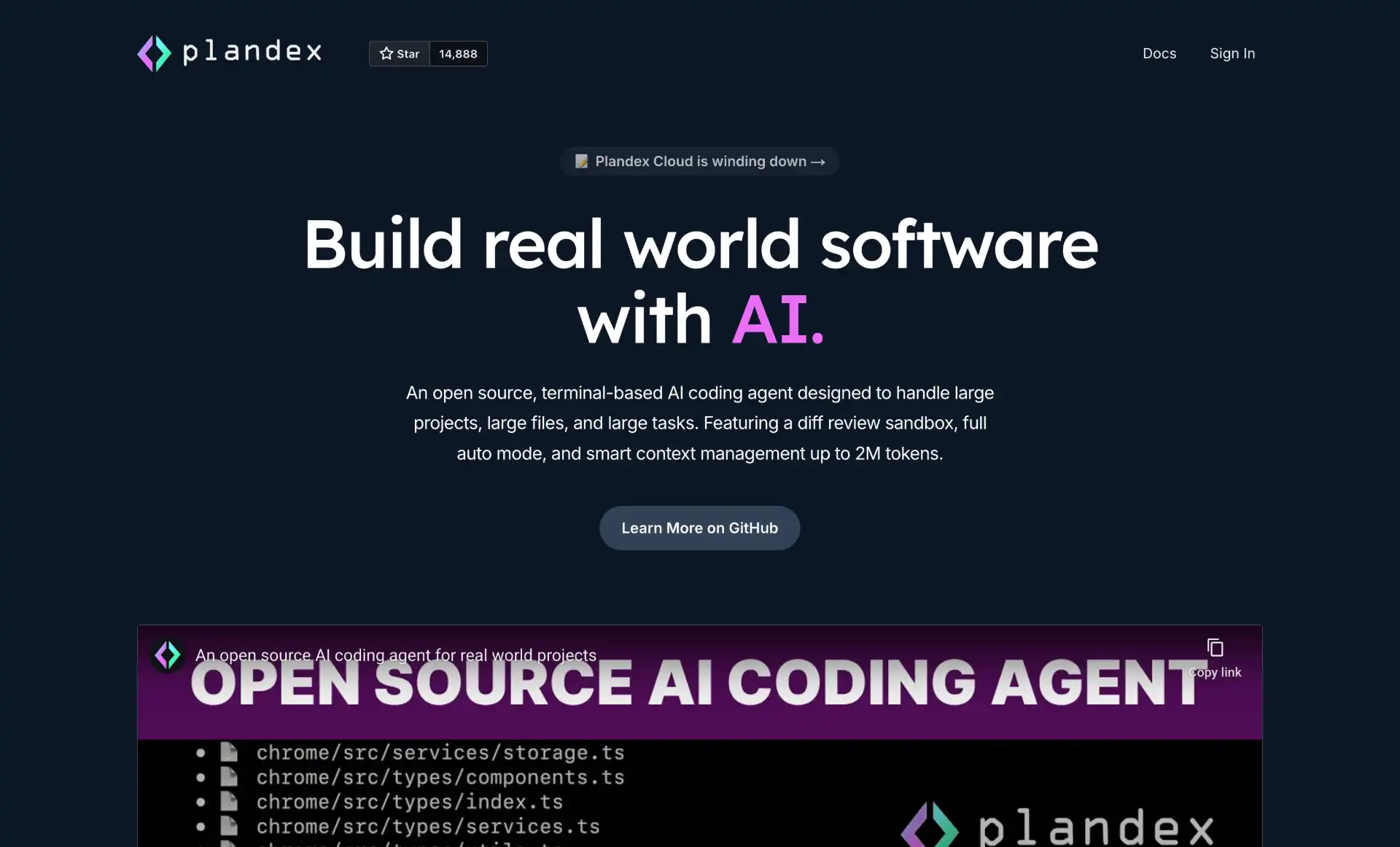
Plandex - Open-source, terminal-based AI coding agent designed for complex and large-scale software development tasks. Features a massive 2 million token effective context window with 20M+ token indexing via Tree-sitter. Includes a cumulative diff review sandbox for reviewing and testing changes before applying them to your project. Supports multi-model workflows with OpenAI, Anthropic, Google, and open-source models.
How to Integrate CLI Coding Agents into Your Workflow
Successfully incorporating CLI coding agents into your development process requires thoughtful workflow design:
Choose Your Primary Agent: Start with one tool that matches your workflow. If you’re Git-heavy, begin with Aider. For maximum flexibility, try OpenCode. For complex reasoning, use Claude Code. Master one tool before adding others to your workflow.
Set Up Model Access: Most CLI agents require API keys for cloud models or local model installation via Ollama. Configure your preferred models and test them with simple tasks before tackling complex projects. Consider cost implications—local models are free but require more compute power.
Integrate with Git: CLI agents work best with Git workflows. Use tools like Aider that automatically commit changes, or configure your agent to work within your existing Git practices. Always review AI-generated commits before pushing to remote repositories.
Define Context Boundaries: Large projects can overwhelm AI models. Use tools like Plandex that intelligently manage context, or manually specify which files and directories are relevant to your current task. This reduces token usage and improves response quality.
Establish Review Processes: Never blindly accept AI-generated code. Use sandbox features like Plandex’s diff review or Aider’s change review commands to inspect modifications before applying them. Run tests and linters to verify code quality.
Combine with IDE Tools: CLI agents complement rather than replace IDE-based AI tools. Use CLI agents for complex refactoring and multi-file changes, while relying on IDE extensions for quick completions and inline suggestions.
Conclusion
CLI coding agents are now powerful terminal based assistants that handle everything from quick code generation to large-scale refactoring. In 2026, tools like Claude Code, Codex CLI, Gemini CLI, OpenCode, and Aider each shine in different workflows deep reasoning, OpenAI integration, Google AI capabilities, flexible model choice, or Git-heavy work.
Most are open-source and low-cost, letting you run locally with Ollama for privacy or use cloud models for advanced features. Many developers mix tools based on tasks. Pick one or two that fit your workflow the terminal first approach delivers speed, focus, and AI right where developers work best.