Self-Host Chatwoot and Expose It with Pinggy
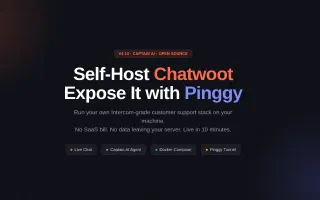
Chatwoot v4.14 ships Captain AI for automated customer support. Run the full stack locally with Docker Compose, then expose it to the internet with one Pinggy command - no port forwarding, no SaaS bill.
The latest revisions across our writing on tunnels, networking, self-hosting, self-hosted LLMs, and AI - freshest updates first.
Chatwoot v4.14 ships Captain AI for automated customer support. Run the full stack locally with Docker Compose, then expose it to the internet with one Pinggy command - no port forwarding, no SaaS bill.
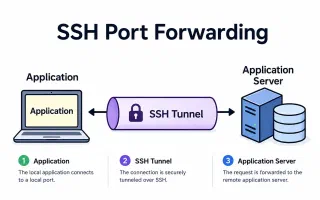
Master SSH port forwarding with practical examples for local, remote, and dynamic tunneling. Learn how to securely access databases, bypass firewalls, and debug applications.
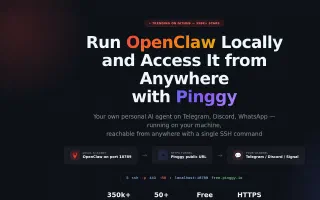
OpenClaw is the fastest-growing open-source AI agent in GitHub history. Learn how to install it locally, expose port 18789 with a Pinggy HTTPS tunnel, and connect Telegram webhook mode - all with one SSH command.
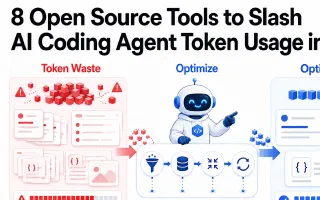
AI coding agents burn tokens fast. Here are the best open source tools - Headroom, Graphify, Caveman, RAG pipelines, Continue.dev, and more - to cut context costs without losing quality.
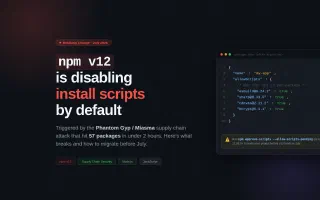
npm v12 lands in July 2026 and turns off install script execution by default, a direct response to the Miasma supply chain worm that compromised 57 packages in under 2 hours. Here is what breaks, how to audit your project today, and the exact migration workflow.
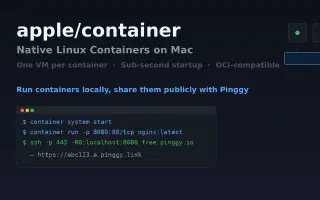
Apple shipped an official container tool at WWDC 2026. Each container gets its own lightweight VM, startup is sub-second, and it pulls standard OCI images from Docker Hub. Here's how it works, how it compares to Docker, and how to share containers publicly.
Google has launched an official open-source skills repository for AI agents at Cloud Next 2026. Learn what agent skills are, how the google/skills GitHub repo works, and how to use the cloud skills and Gemini API Docs MCP in your AI coding workflow.
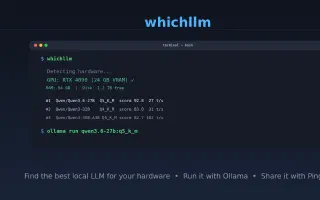
whichllm auto-detects your GPU, CPU, and RAM, then ranks local models by real benchmarks rather than parameter count. Here's how to use it, run your pick with Ollama, and share it remotely via Pinggy.
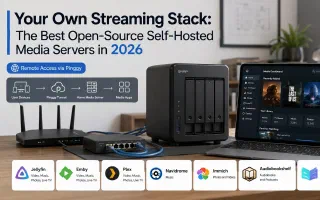
A practical guide to the best open-source self-hosted media servers in 2026. Compare Jellyfin, Navidrome, Immich, Audiobookshelf, and Kavita to build your own Netflix, Spotify, and Google Photos at home.
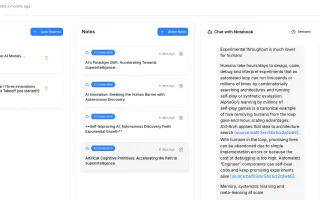
Open Notebook is an open-source NotebookLM alternative with multi-model support, custom podcasts, and a REST API - all running on your own machine. Learn how to set it up with Docker and make it accessible from anywhere with Pinggy.