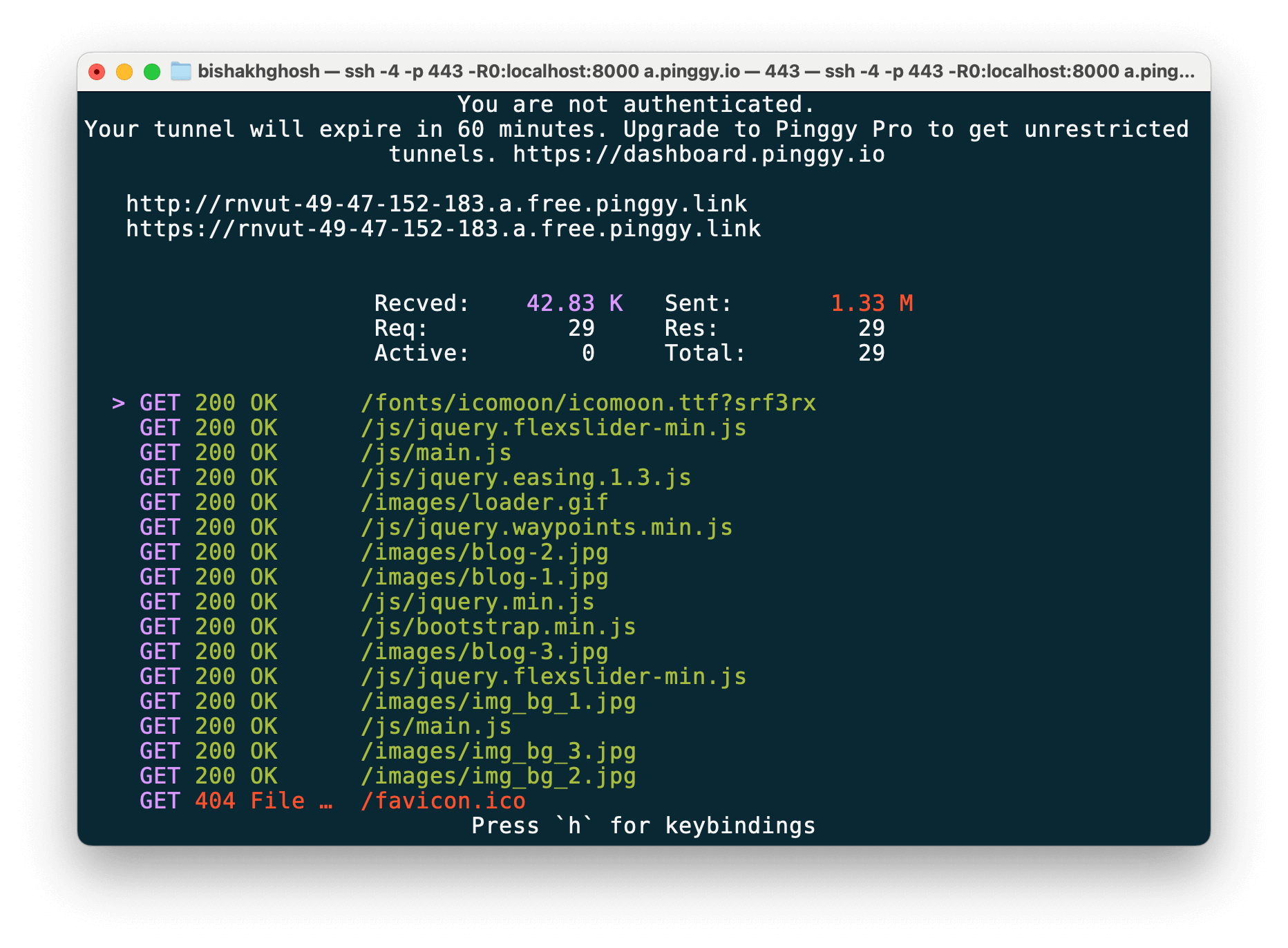
Open your terminal / command prompt and run the following to create a tunnel using SSH:
ssh -p 443 -R0:localhost:8000 free.pinggy.io
Replace the port 8000 with the localhost port where your service is running.
If you are prompted for a password, just press enter.
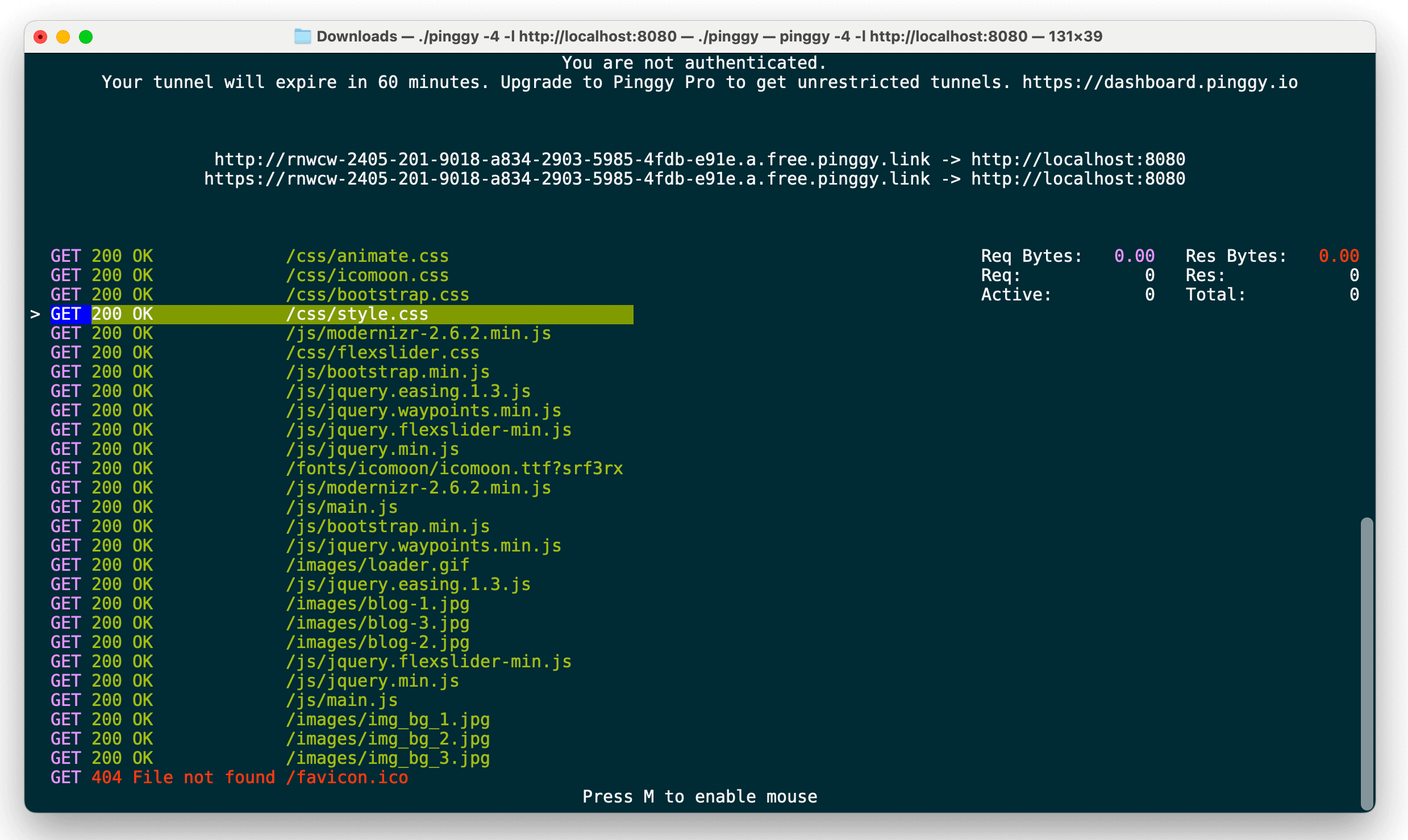
Download the Pinggy CLI from here and run the following command:
./pinggy -p 443 -R0:localhost:8000
Replace the port 8000 with the localhost port where your service is running.
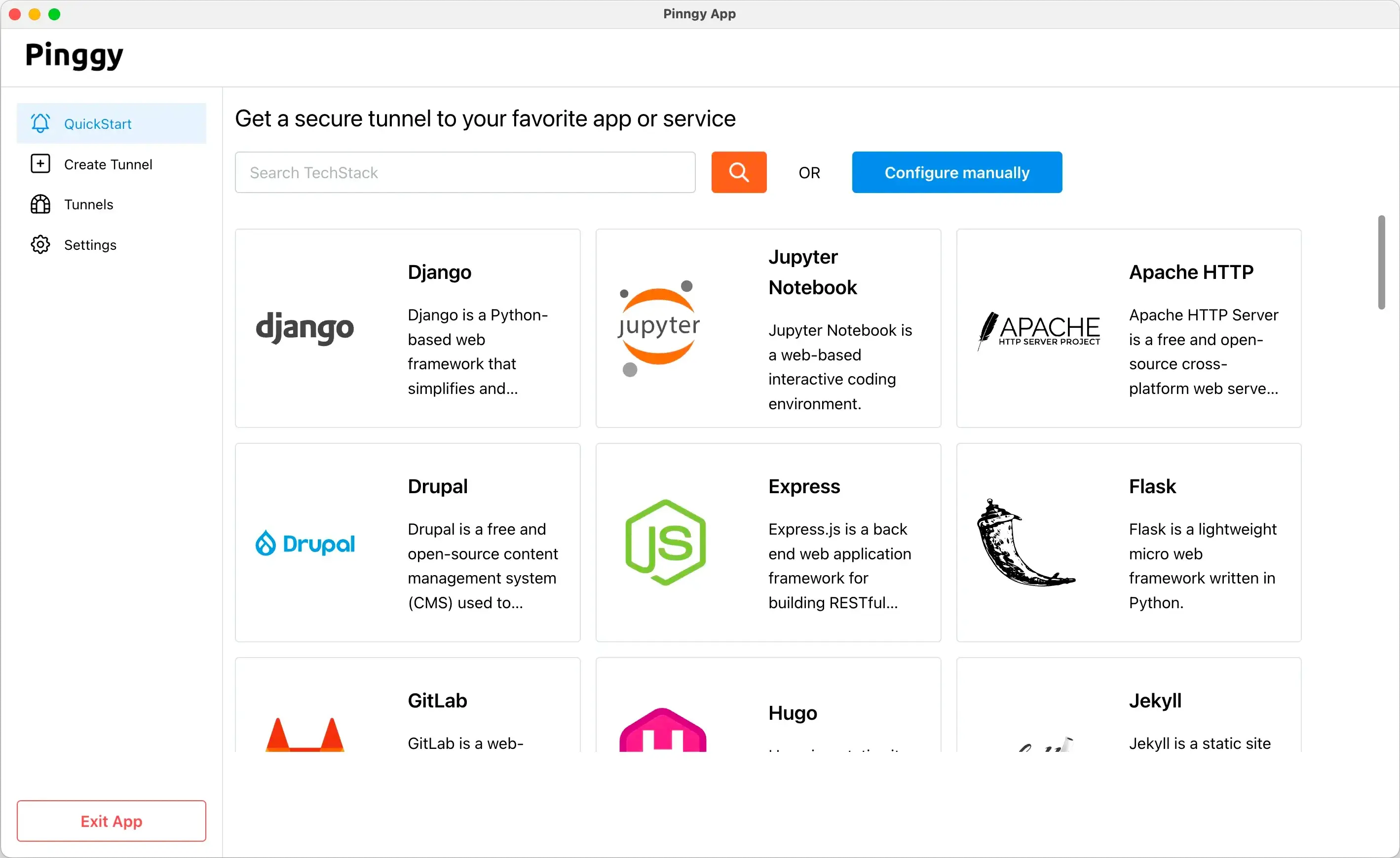
Download the Pinggy App from here and follow the instructions to set up a tunnel for your localhost service.
If you have Docker installed, run the pre-built Pinggy image (no need to install anything else):
docker run --net=host -it pinggy/pinggy -p 443 -R0:localhost:8000 free.pinggy.io
Replace the port 8000 with the localhost port where your service is running.
On Mac and Windows, drop the --net=host option. See the Docker docs for Web Debugger, UDP tunnels, and Docker Compose examples.
Install the Pinggy Node.js SDK using npm:
Then, create a tunnel in your Node.js application:
import { pinggy } from "@pinggy/pinggy";


const tunnel = await pinggy.createTunnel({ forwarding: "localhost:3000" });
await tunnel.start();
console.log("Tunnel URLs:", await tunnel.urls()); // Get all public urls
Replace 3000 with the port where your service is running.
Follow Pinggy Node.js SDK docs for more details.
Install the Python SDK using pip:
Then, create a tunnel in your Python application:
import pinggy

# Start an HTTP tunnel forwarding traffic to localhost on port 8000
tunnel = pinggy.start_tunnel(forwardto="localhost:8000")

print(f"Tunnel started. Urls: {tunnel.urls}")
Replace 8000 with the port where your service is running.
Follow Python SDK docs for more details.