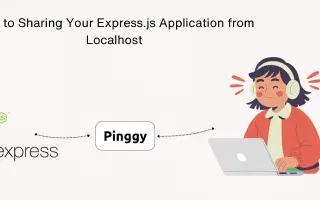
How to Share Your Express.js Application from Localhost
Learn how to share your Express.js application from localhost using Pinggy. Step-by-step guide for running Express.js locally and creating secure tunnels for remote access.
The latest revisions across our writing on tunnels, networking, self-hosting, self-hosted LLMs, and AI - freshest updates first.
Learn how to share your Express.js application from localhost using Pinggy. Step-by-step guide for running Express.js locally and creating secure tunnels for remote access.
Learn how to share your Django application from localhost using Pinggy. Step-by-step guide for running Django locally and creating secure tunnels for remote access.
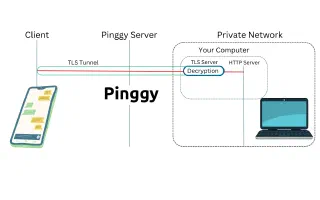
Explore TLS tunnels – secure, encrypted channels for client-server communication. Create one easily with Pinggy for secure localhost connections.
Learn how to build and host a complete AI-powered Flask application on Google Colab with free GPU access. Use Ollama for LLM inference and Pinggy for public access - no server costs required.
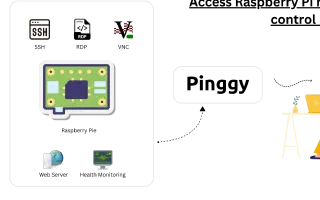
Learn how to securely connect to your Raspberry Pi or IoT device remotely over the internet without port forwarding. Explore SSH, VNC, and RDP methods with step-by-step guides.
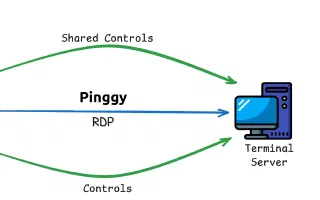
Learn how to securely access your Windows machine remotely using Remote Desktop Protocol (RDP) without port forwarding. Bypass NAT, CGNAT, and firewall restrictions with Pinggy.
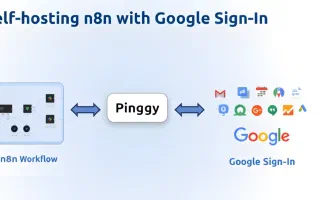
Learn how to self-host n8n using npm and configure Google Sign-In authentication. Complete guide with Pinggy tunneling for secure remote access.
Understand Mixture of Experts (MoE) architecture in LLM models - how it works, why it's efficient, and which models use it. Learn about sparse activation, routing, and performance benefits.
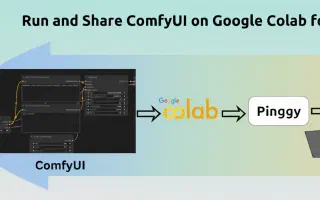
Learn how to run ComfyUI on Google Colab with GPU acceleration and share it publicly using Pinggy tunnels. Complete guide for free AI image generation with stable diffusion models.
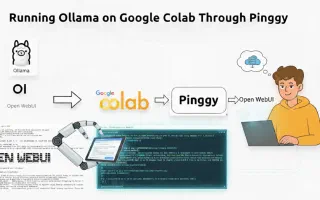
Learn how to run Ollama models on Google Colab and access them remotely using Pinggy tunneling. Complete setup guide with OpenWebUI integration for free AI model hosting.