Localtunnel - Easiest way to create a local tunnel
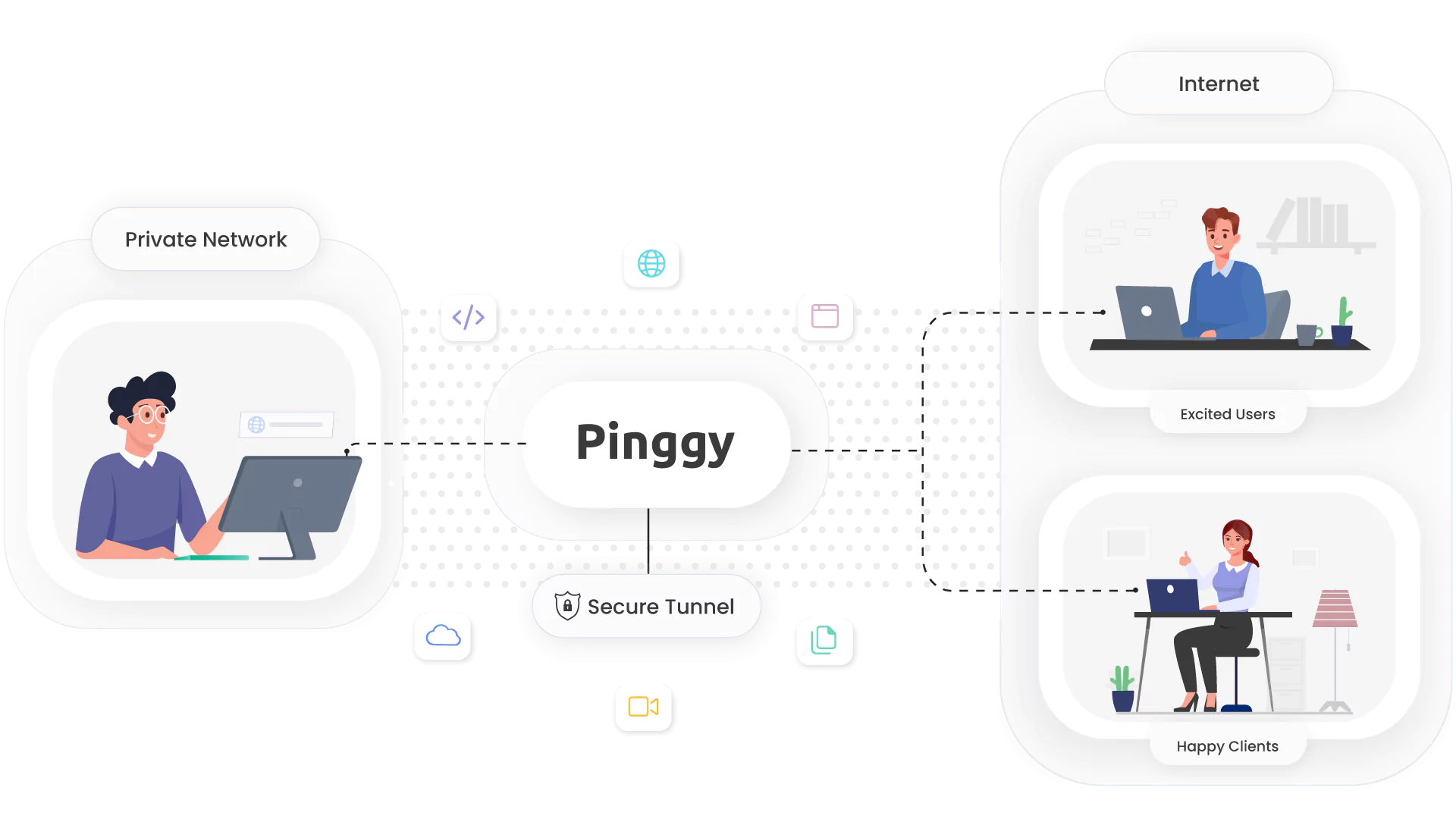
Open a local tunnel to localhost with a single command using Pinggy. No downloads required. Just paste one command to get local tunnels.
The latest revisions across our writing on tunnels, networking, self-hosting, self-hosted LLMs, and AI - freshest updates first.
Open a local tunnel to localhost with a single command using Pinggy. No downloads required. Just paste one command to get local tunnels.
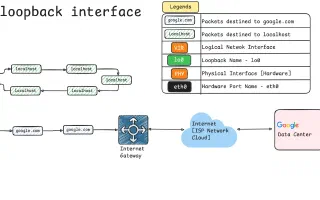
Understand `127.0.0.1`, loopback addresses, and how they work in networking. Learn why localhost points to `127.0.0.1` and how to use loopback for development and testing.
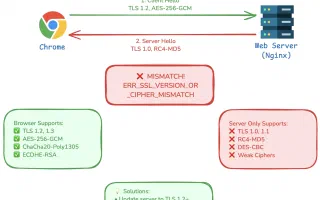
Understand the ERR_SSL_VERSION_OR_CIPHER_MISMATCH error, its causes, and solutions. Learn how to address SSL/TLS protocol and cipher mismatches.
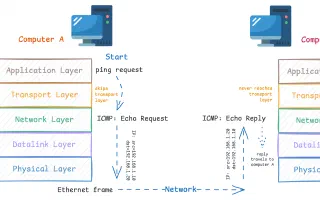
Discover why ping doesn't use TCP or UDP ports. Learn about ICMP protocol, network layers, and the difference between ping and port-based connectivity testing.
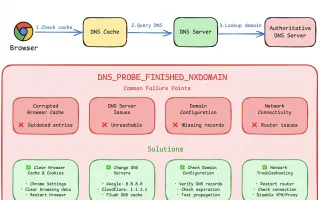
Encountering the dns_probe_finished_nxdomain error? Learn what it means, why it happens, and how to resolve it with step-by-step solutions.
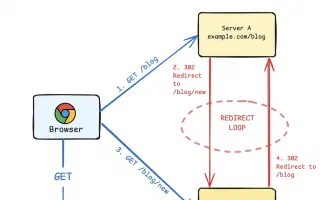
Learn what causes the 'Too Many Redirects' error, how to diagnose it, and implement effective solutions for your website or application.
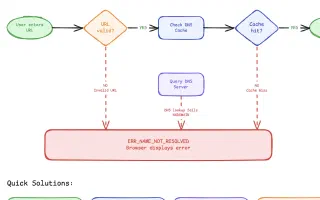
Learn about the ERR_NAME_NOT_RESOLVED error, its causes, and detailed step-by-step solutions to fix it, including clearing DNS cache and changing DNS servers.
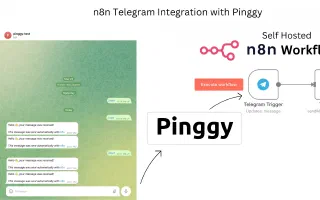
Learn how to integrate Telegram with n8n using Pinggy for seamless automation. Step-by-step guide to create Telegram bots, set up webhooks, and build powerful workflows.
Compare WireGuard vs OpenVPN for self-hosting. Learn about protocol differences, architecture, security, and which VPN is easier to set up for your home lab or business.
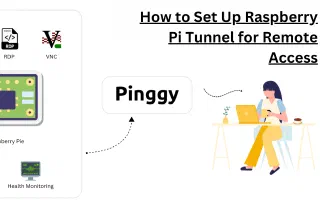
Learn how to set up Raspberry Pi tunnels for remote access. Create HTTP tunnels, SSH tunnels, and secure connections to your Pi from anywhere using Pinggy.